A connector next to
your own databases.
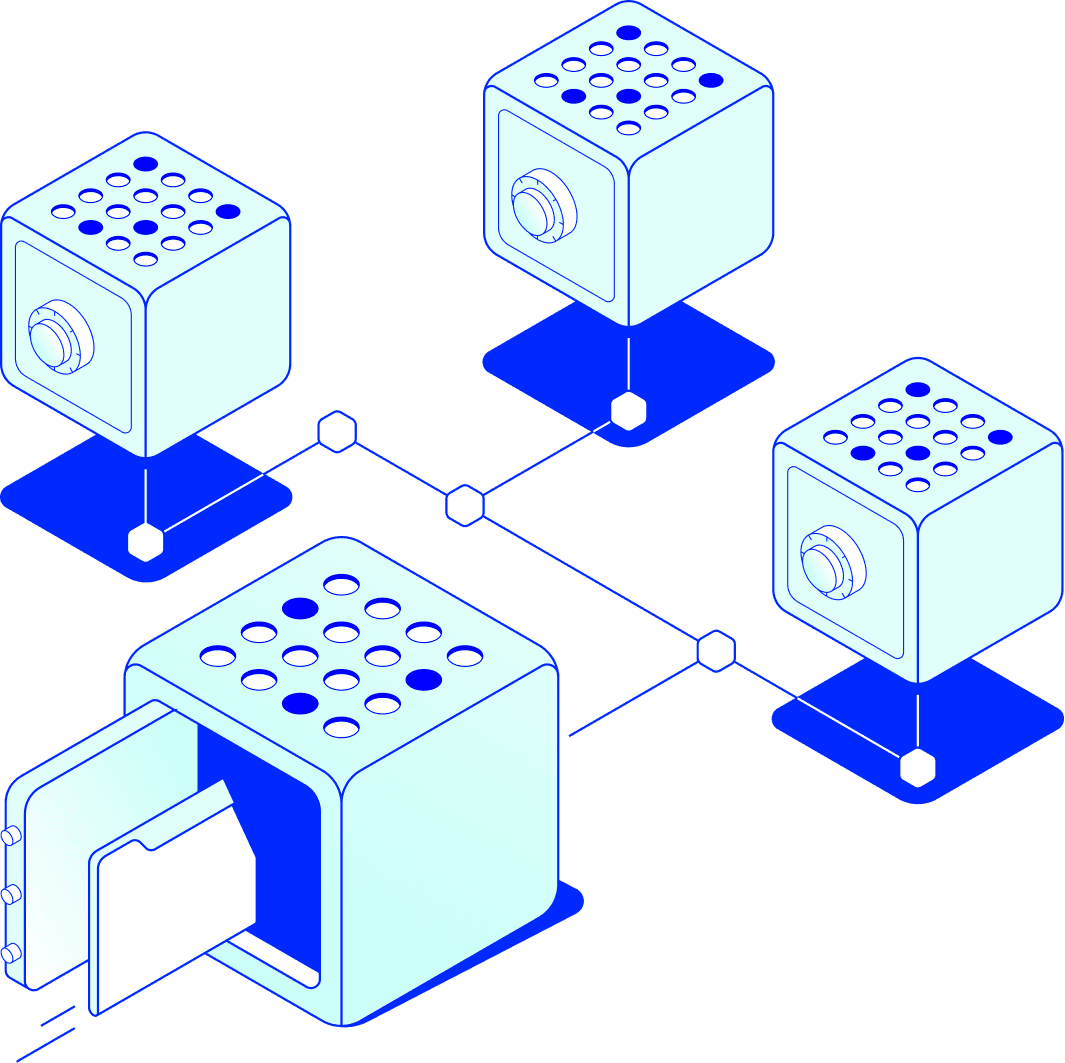
It streams the changes you choose to other departments and organisations. Your systems stay as they are, with an operational data store in your environment.
Next to your databases
Works on the relational databases and business systems you run today.
Only what you choose
You decide which changes and which fields leave.
Signed at the source
Each change is encrypted and signed before it leaves.
One shared order
Every party's data store follows the same ordered stream.
Trusted by government and industry







Each party keeps its own version.
Data that several departments or organisations need sits in several databases, each with its own copy. Connecting them usually means a migration, a central database or a new interface per partner, and someone still reconciles the differences afterwards.
The connector leaves your databases where they are and keeps every party's data store on the same ordered stream.
Migrate or copy
- A migration before anything can be shared
- A new interface for every partner
- Copies in a central database
- Reconciling the differences afterwards
A connector next to your systems
- Your databases stay as they are
- You choose which changes leave
- Every party follows the same ordered stream
- The same history everywhere, without reconciling
What the connector does.
One small service per organisation, running in your own environment.
01
Reads from the systems you have
It connects to your relational databases and business systems and picks up the changes you mark for sharing. Nothing has to be rebuilt as events first.
02
Encrypts and signs at the source
Each field is encrypted with its own key before it leaves your environment, and each change is signed with your organisation's key.
03
Keeps an operational data store
It keeps the current version of what you share and receive, built from the same ordered event stream every other party follows. Your own systems can query it locally.
04
Built and run with you
We build the connector for your systems and run it in your environment, on your premises or in your cloud. You choose where each field is stored.
How a change travels
One change, from your system to theirs.
What happens when a record changes in a database you already run.
- 01
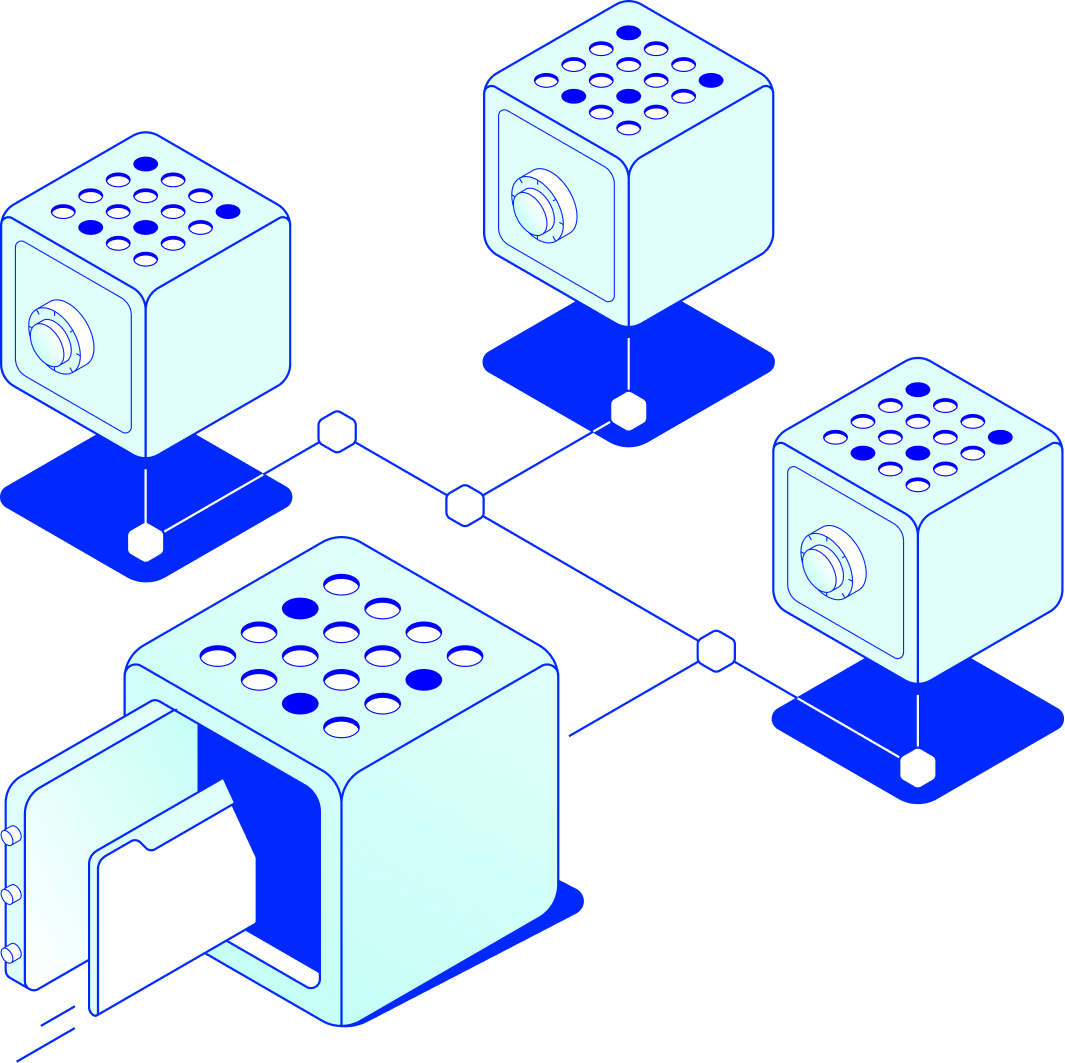
A change in your system
A record changes in your database, for example a case is updated or an invoice is booked. If the change is marked for sharing, the connector picks it up.
- 02
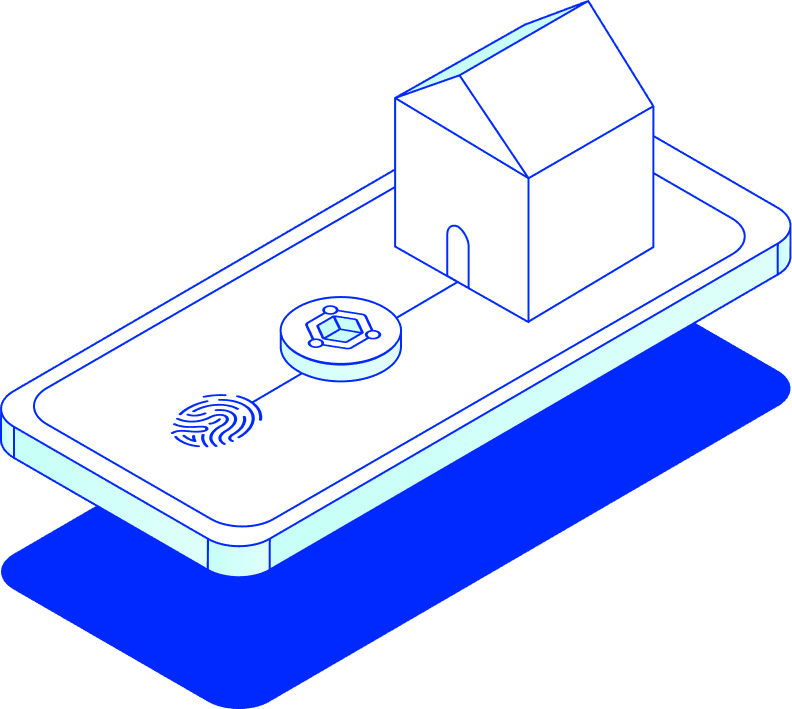
Encrypted and signed
The connector encrypts each field for the organisations entitled to it and signs the change with your organisation's key.
- 03
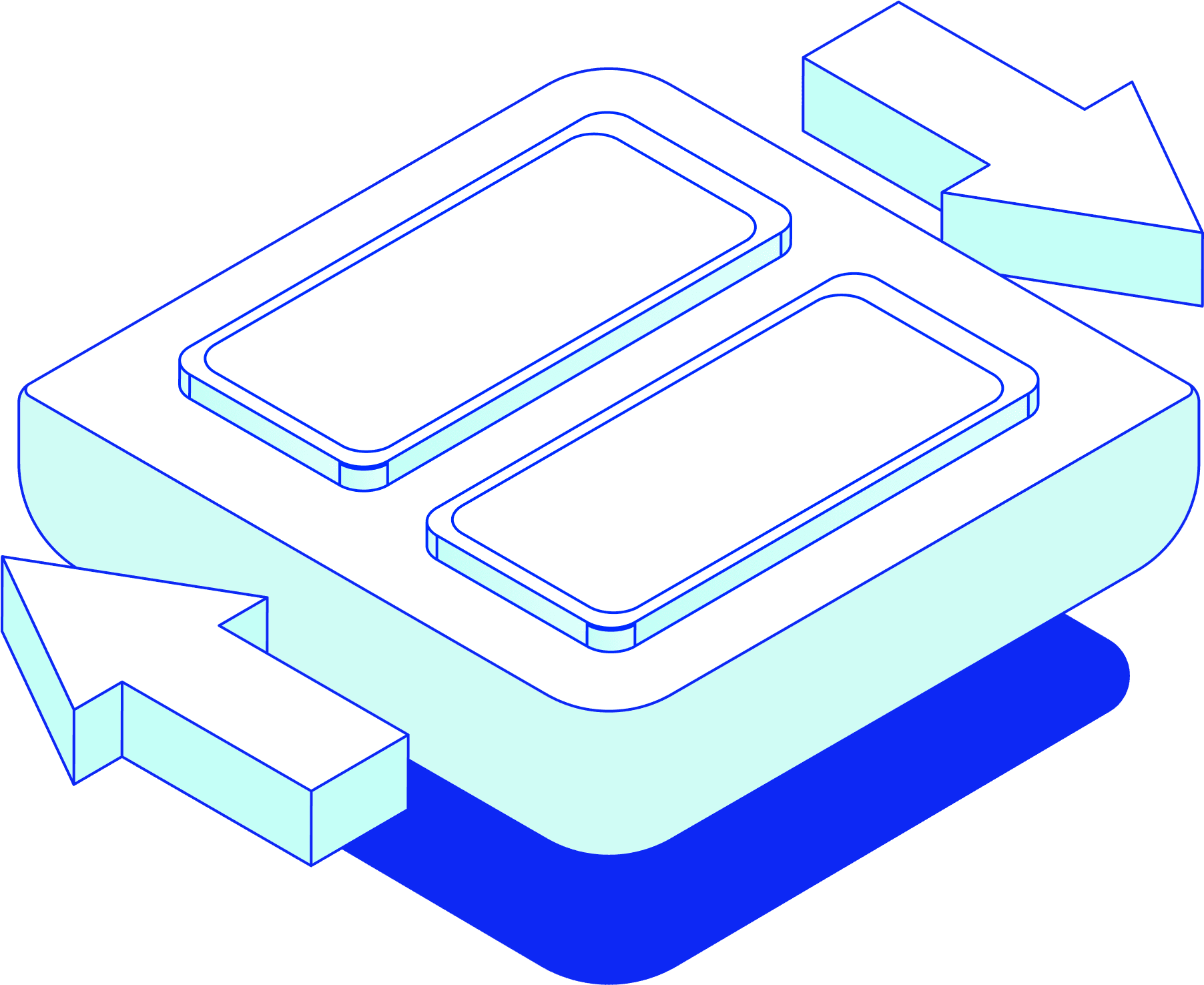
Sent as an event
The change travels peer-to-peer to those organisations as part of a live event stream, in the order it happened.
- 04

No reconciling afterwards
Each receiving connector checks the signature and the mandate, then updates its own data store, so what the parties share agrees without reconciling.
How the connector compares
Changes to your systems
- Central database:
- A migration or a full copy
- An interface per partner:
- New code for every partner
- mintBlue connector:
- No rebuild; it runs next to them
What leaves your organisation
- Central database:
- Full records
- An interface per partner:
- Whatever the interface returns
- mintBlue connector:
- Only the fields you choose
Where the data sits
- Central database:
- In the central database
- An interface per partner:
- At the source, pulled on request
- mintBlue connector:
- With you, in your own data store
One version for everyone
- Central database:
- Yes, in someone else's database
- An interface per partner:
- No, every party reconciles
- mintBlue connector:
- Yes, from the same ordered stream
Proof afterwards
- Central database:
- The operator's logs
- An interface per partner:
- Each party's own logs
- mintBlue connector:
- A shared, tamper-evident audit trail
The next partner
- Central database:
- Another party with access to everything
- An interface per partner:
- Another interface to build
- mintBlue connector:
- Another connector on the same protocol
A simplified comparison of common patterns. Real set-ups vary.
Frequently asked questions
Architecture
Running it
Next step
Pick one system and one partner.
Tell us which system holds the data and who needs it. We map where the connector sits and which fields leave.
Next step
Pick one system and one partner.
Tell us which system holds the data and who needs it. We map where the connector sits and which fields leave.